
Auto OG Images
Hwaro auto-generates 1200x630 Open Graph preview images for every page that has no custom image in front matter. The generated path is set as page.image, so og:image meta tags pick it up automatically, with no template changes needed.
 The auto-generated OG image for this page (
style = "terminal").
Quick Start
[og.auto_image]
enabled = true
style = "terminal"
accent_color = "#2ee66b"
logo = "static/logo.png"
Configuration
| Key | Type | Default | Description |
|---|---|---|---|
| enabled | bool | false |
Enable auto OG image generation |
| style | string | "default" |
Composition preset — see Style Presets |
| background | string | "#171310" |
Background color (hex) |
| text_color | string | "#f4ede4" |
Title and description text color |
| accent_color | string | "#ec7a66" |
Accent color for rules, brand marks, and color blocks |
| secondary_color | string | — | Second color for two-tone styles (split, brutalist, bauhaus, …). Auto-derived from accent_color when omitted |
| font_size | int | 48 |
Title font size in pixels. Every style raises this to its own scale automatically unless you set a larger value |
| logo | string | — | Logo file path (e.g., static/logo.png), embedded into the image |
| logo_position | string | "bottom-left" |
bottom-left, bottom-right, top-left, top-right |
| show_title | bool | true |
Show the site name (bottom brand row, or the style's own placement — eyebrow, kicker, window title bar) |
| output_dir | string | "og-images" |
Directory for generated images |
| format | string | "png" |
"png" or "svg". Social platforms don't render SVG og:image, so PNG is the default |
| font_path | string | — | Custom .ttf/.otf for PNG output. Leads the font chain; glyphs it lacks fall back to the bundled fonts |
| background_image | string | — | Background photo composited behind the text |
| overlay_opacity | float | 0.45 |
How much background color covers the photo (0.0 = full photo, 1.0 = hidden) |
| text_panel | float | 0.0 |
0.0–0.6. Soft panel behind the text for legibility on busy backgrounds |
| pattern_opacity | float | 0.35 |
Peak alpha of the pattern styles (dots, grid, …). Each pattern fades internally from this peak |
| pattern_scale | float | 1.0 |
Scale multiplier for the pattern styles (min 0.1) |
| accent_bars | bool | false |
Classic thin top/bottom accent bars on the pattern styles |
| lazy_generate | bool | false |
Skip bulk generation during hwaro serve; images render on first request. Recommended for large sites. No effect on hwaro build |
Titles render in Space Grotesk, descriptions in Space Grotesk Medium, and the terminal style in JetBrains Mono, all bundled into the binary, so PNG output looks the same on every machine. A CJK-capable system font is appended to the chain automatically when your titles need it, and DejaVu Sans Bold backstops everything else.
Style Presets
The style option controls the entire composition. Click any preview below to zoom.
Signature — complete, self-contained compositions:
| Style | Description |
|---|---|
terminal |
Code-editor window with traffic lights, $ prompt, and block cursor. Made for dev blogs and docs |
bauhaus |
Flat geometric art-poster shapes in accent/secondary/derived colors |
halftone |
Print-style halftone dot field fading in from the right edge |
Modern — typography-driven with generated backdrops:
| Style | Description |
|---|---|
editorial |
Magazine front: hairline rules, an uppercase site-name kicker, and a vertical accent rule. A safe, harmonious default |
artistic |
Mesh-gradient color field with film grain. Rich, high-production feel |
hero |
Spotlight glow, oversized ghost echo of the first title word, poster typography |
surreal |
Aurora orbs and flowing ribbon bands with grain |
monument |
Extreme minimalism — massive type, vast whitespace, an accent rule above the title, brand row bottom-right |
framed |
Invitation card: a neutral hairline frame with accent corner brackets and centered type |
Geometric — bold flat color blocking:
| Style | Description |
|---|---|
split |
Diagonal two-tone color block on the left, title on the right |
band |
Full-width color band with the title knocked out of it, echoed by a thin rule above — magazine-cover style |
brutalist |
Thick framed panel with a hard offset shadow and oversized type |
Patterns — compositions with a focal point (each fades internally from pattern_opacity):
| Style | Description |
|---|---|
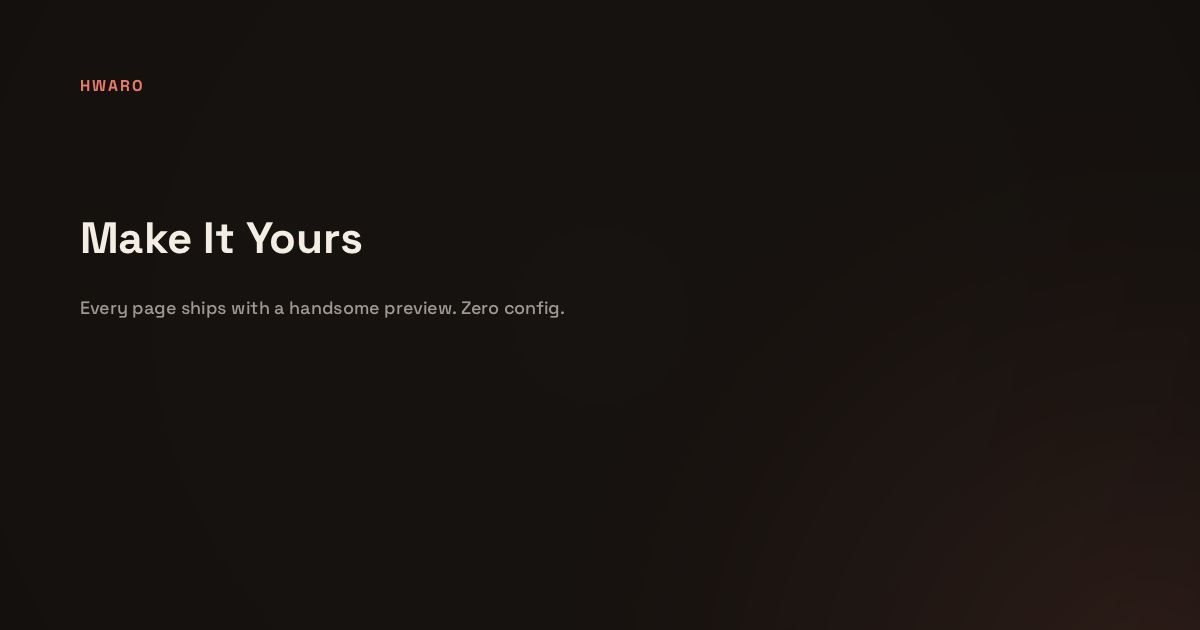
default |
Masthead: uppercase site-name eyebrow on top, a low corner glow, and a gentle vignette |
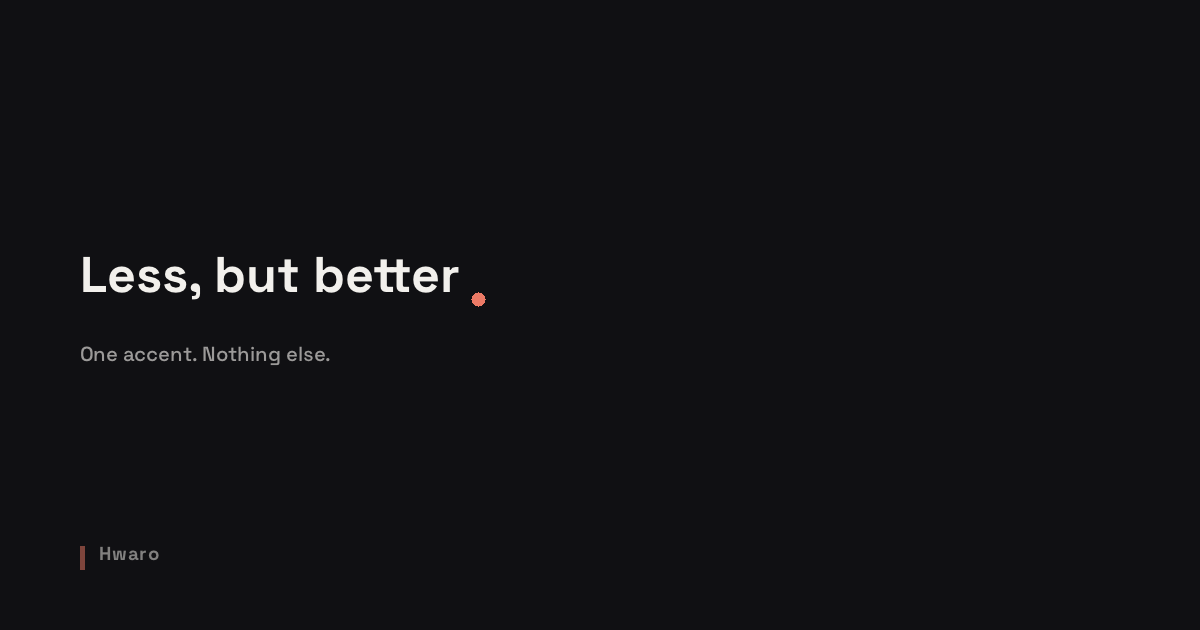
minimal |
Nothing but type — and an accent full stop after the title |
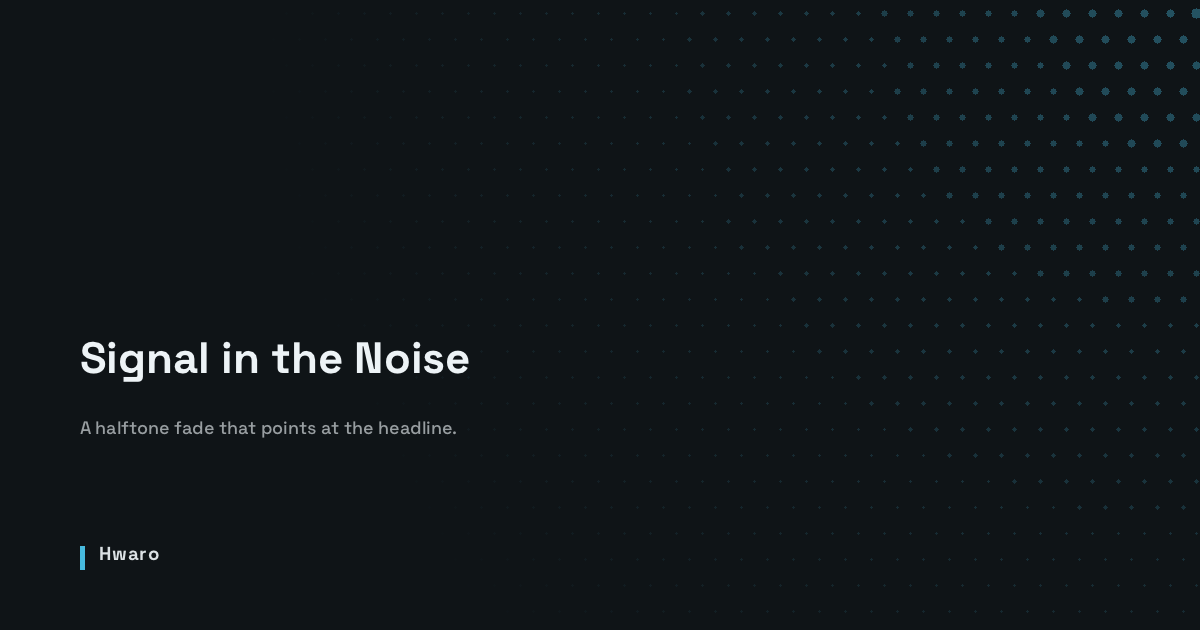
dots |
Staggered halftone dots fading in from the top-right corner |
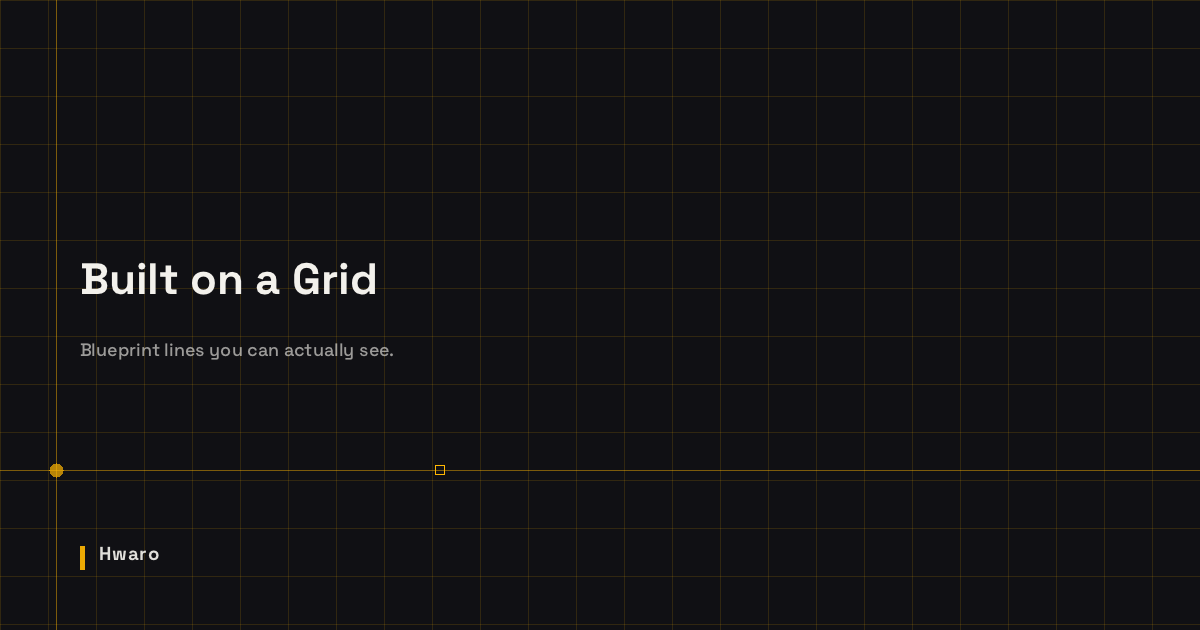
grid |
Fine blueprint grid with a focal crosshair and registration marks |
diagonal |
45° stripe wedge in the bottom-right corner with an accent rule on the hypotenuse |
gradient |
Accent-tinted duotone wash with a corner glow, vignette, and grain |
waves |
Layered tide bands anchored to the bottom edge |
Preview
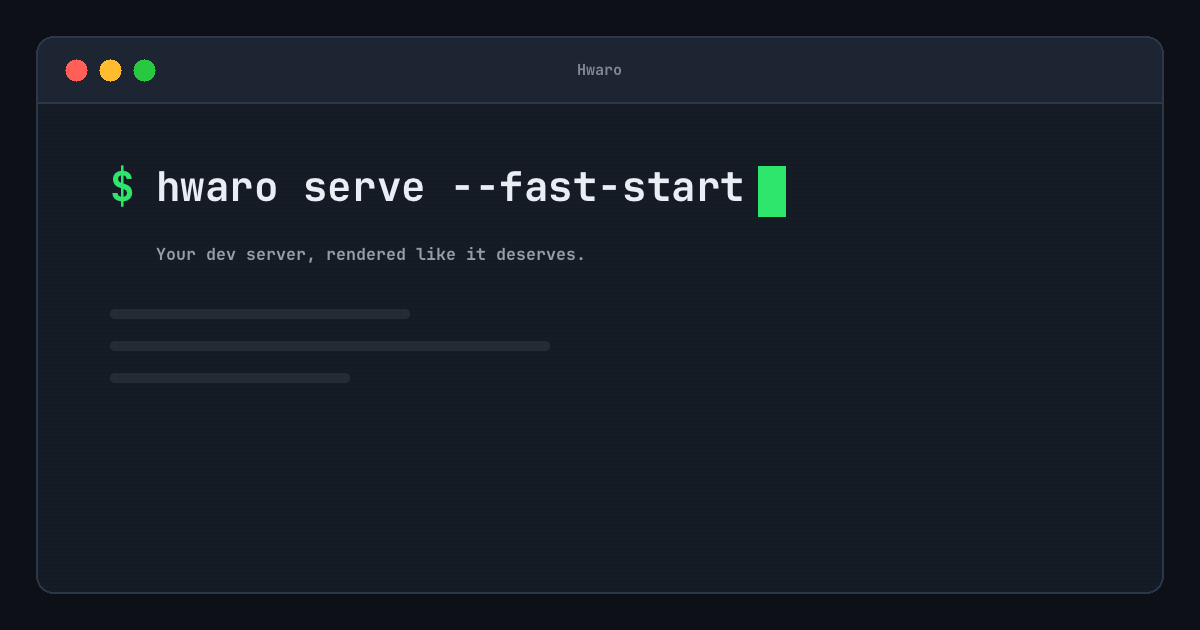
terminal
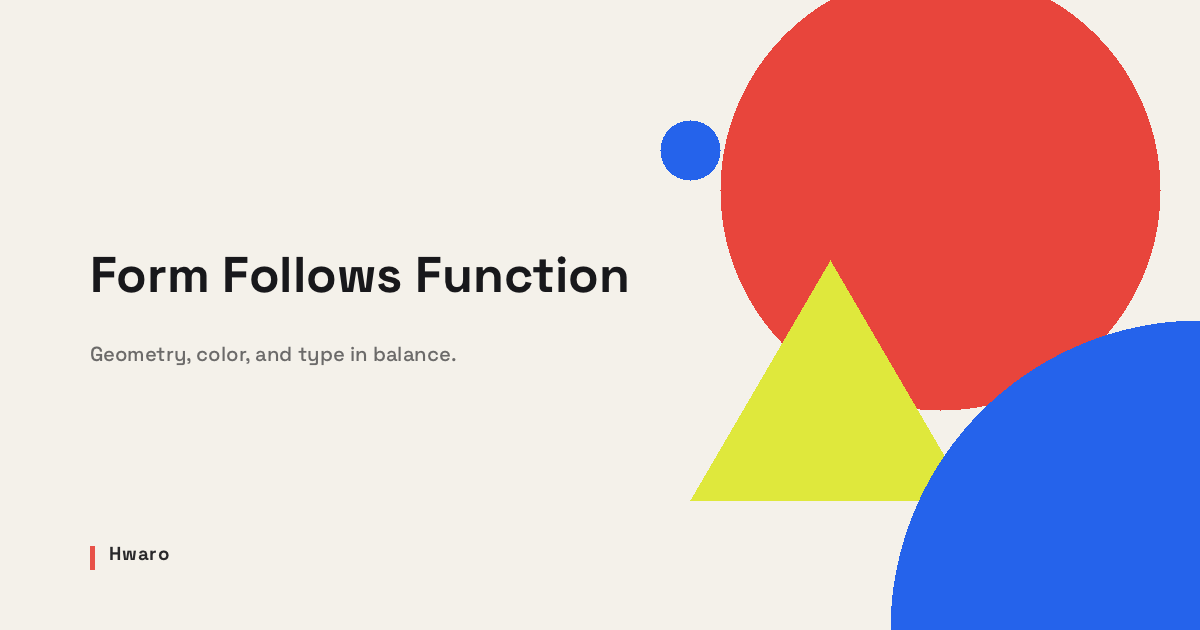
bauhaus
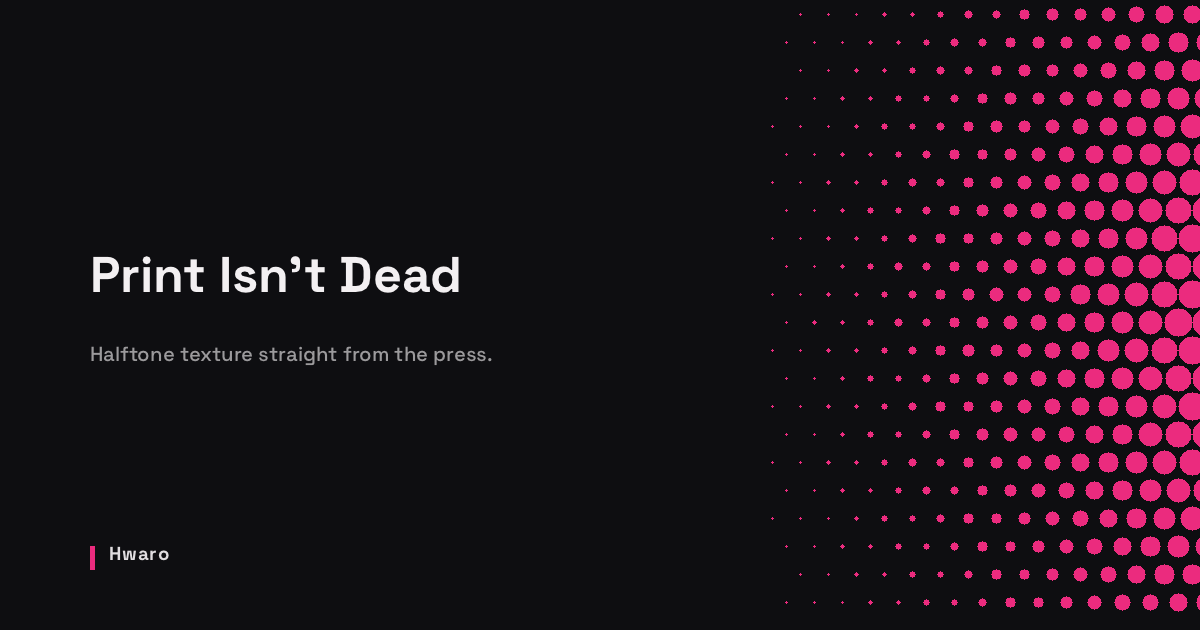
halftone
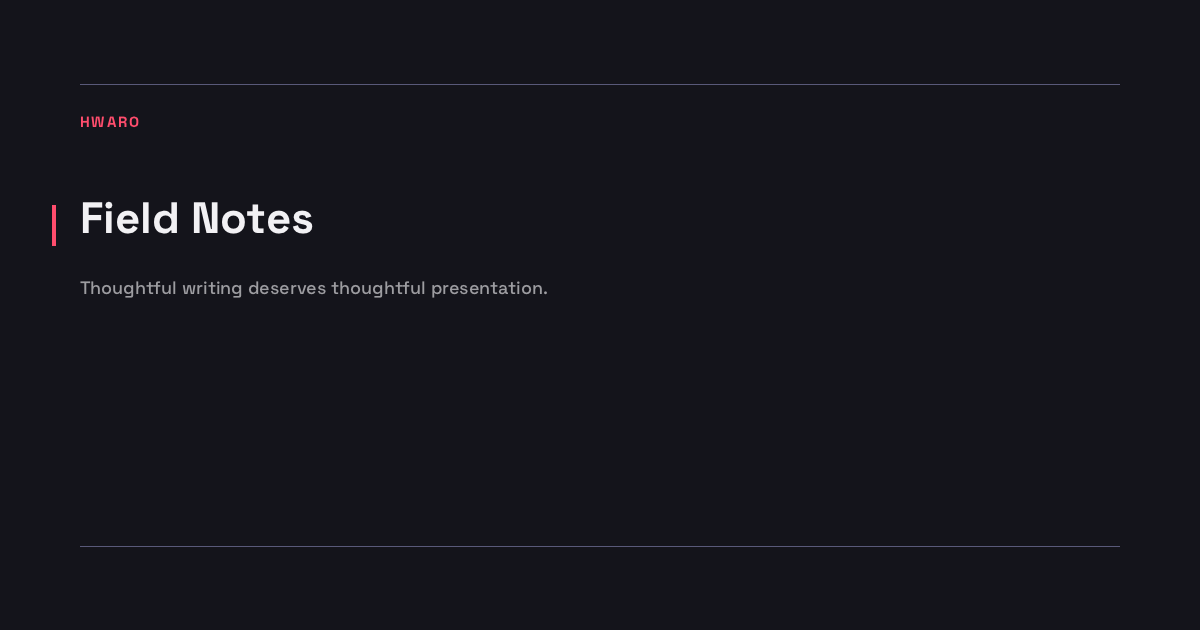
editorial
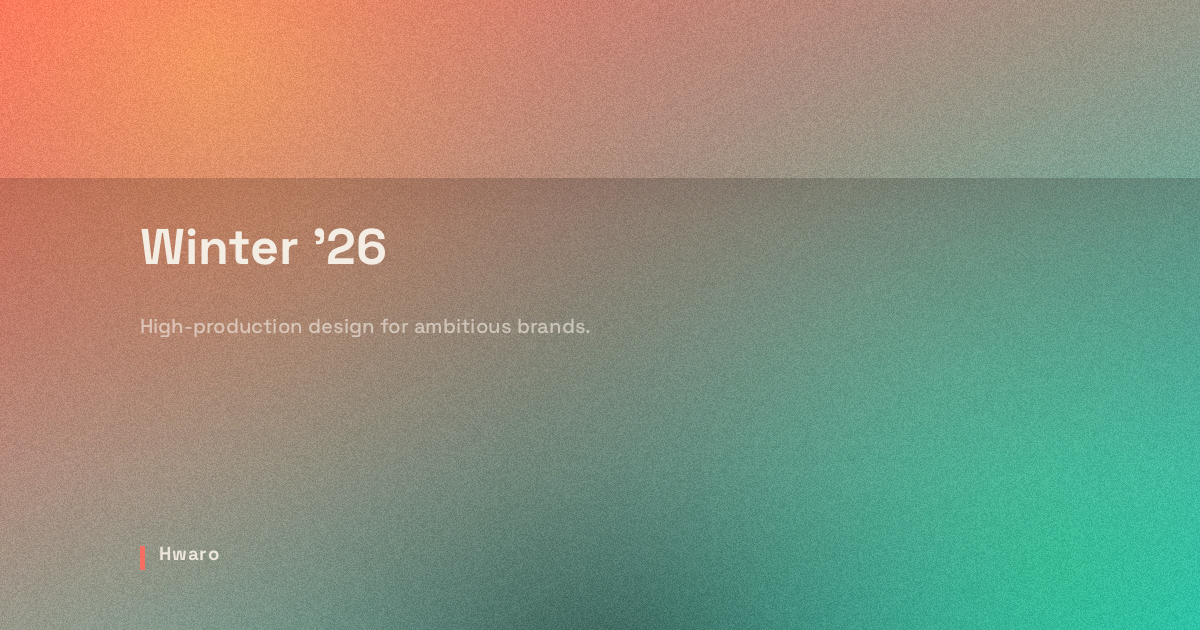
artistic
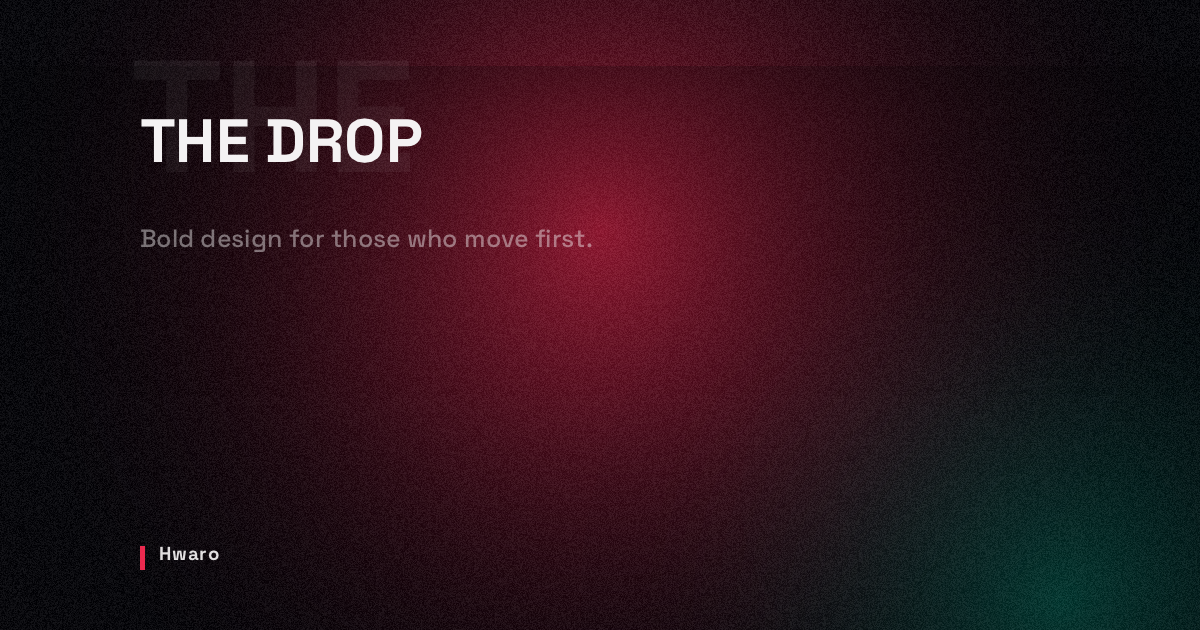
hero
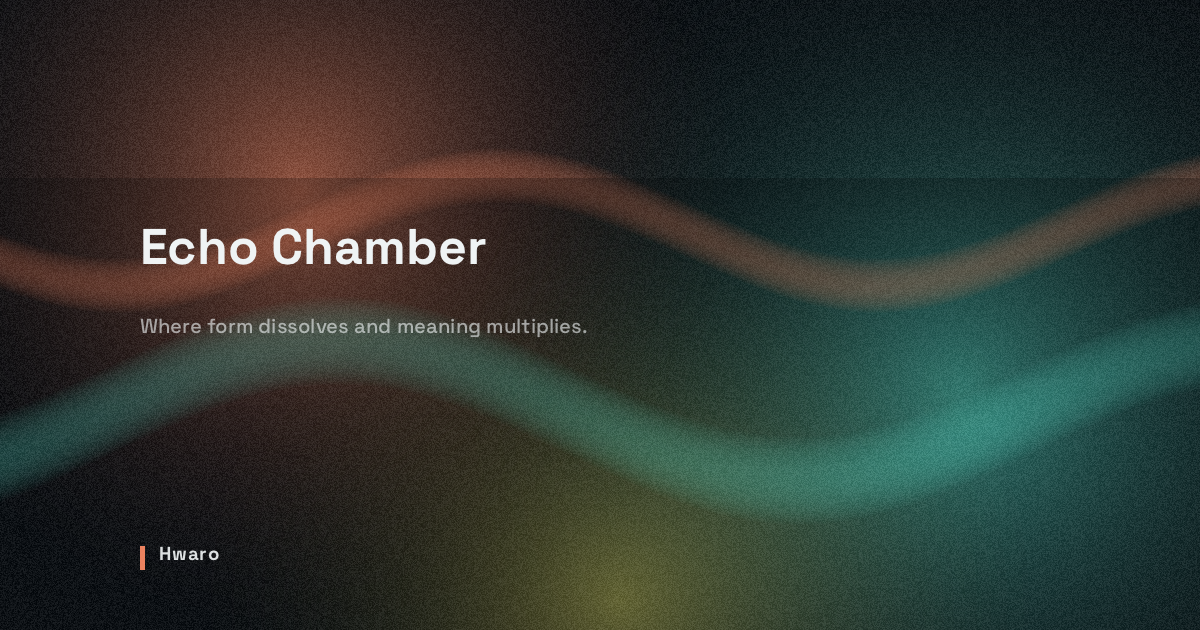
surreal
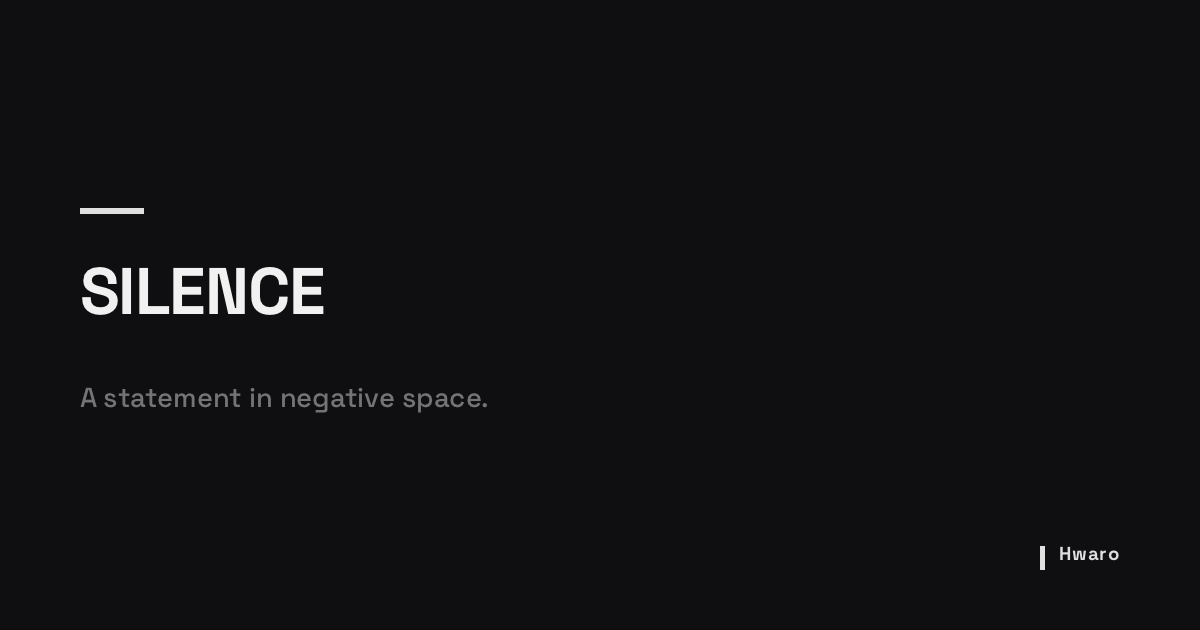
monument
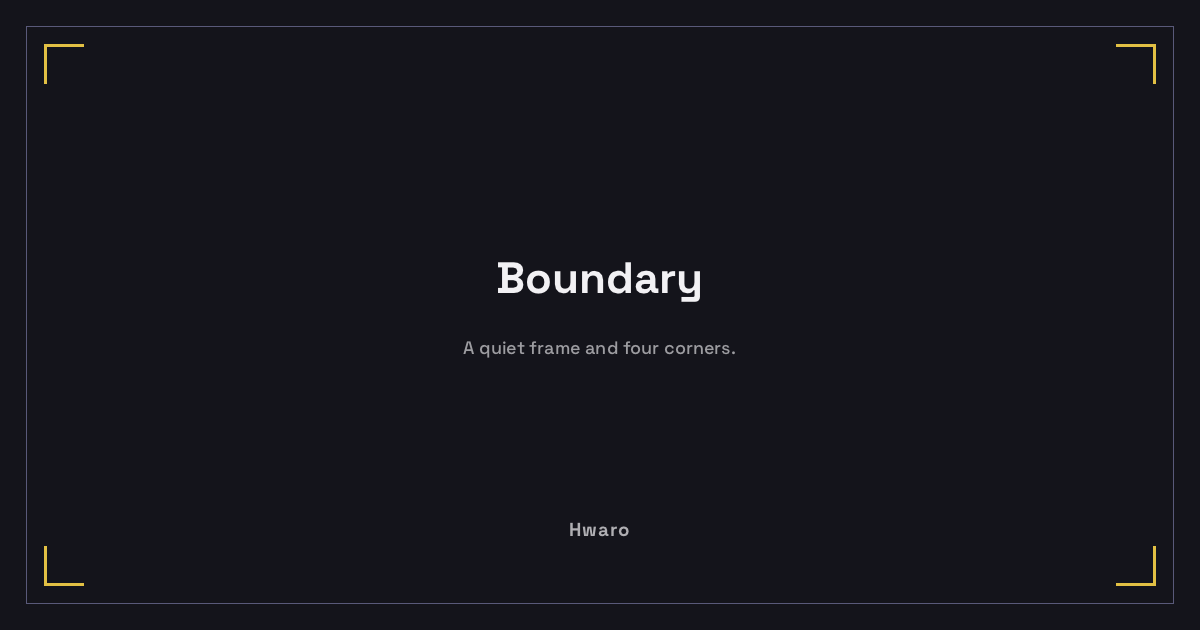
framed
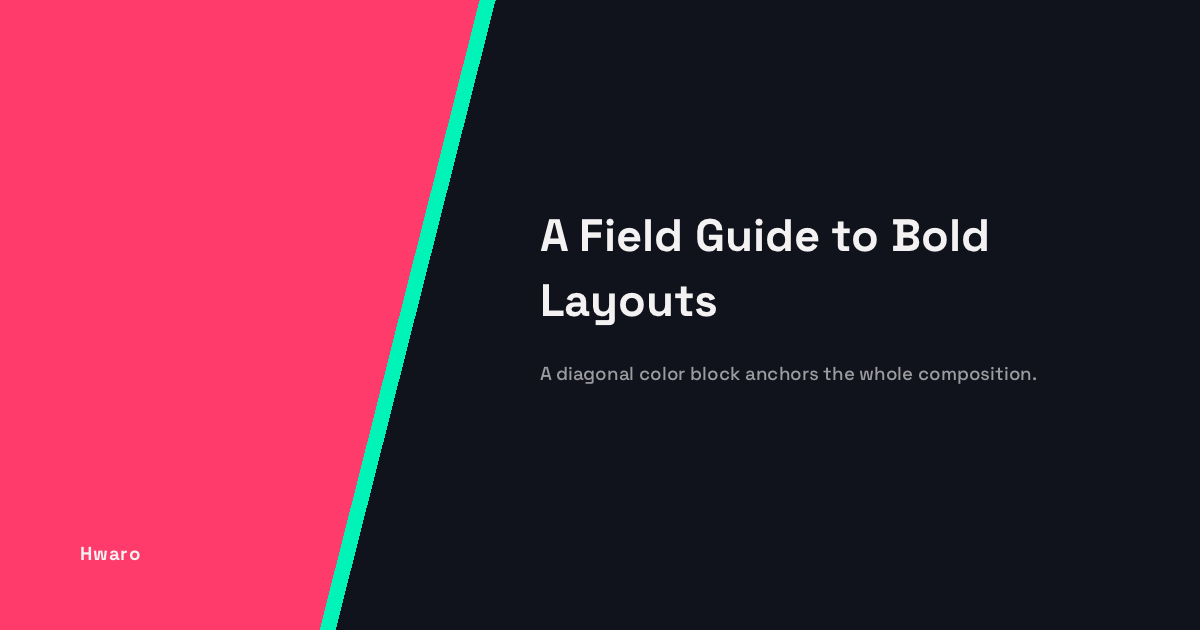
split
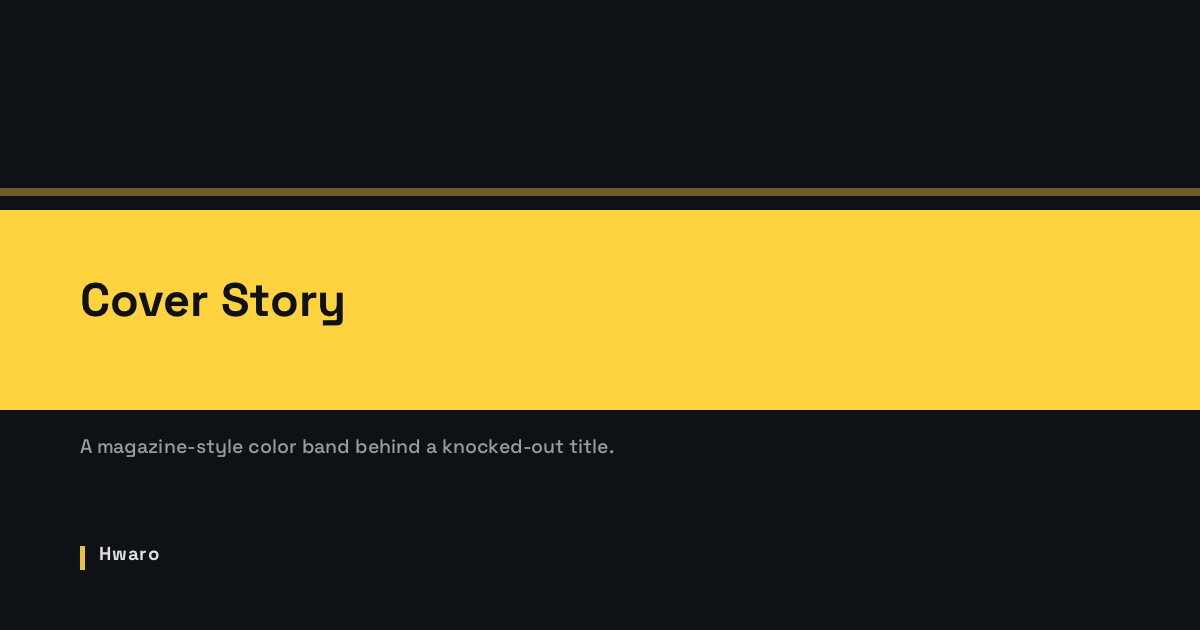
band
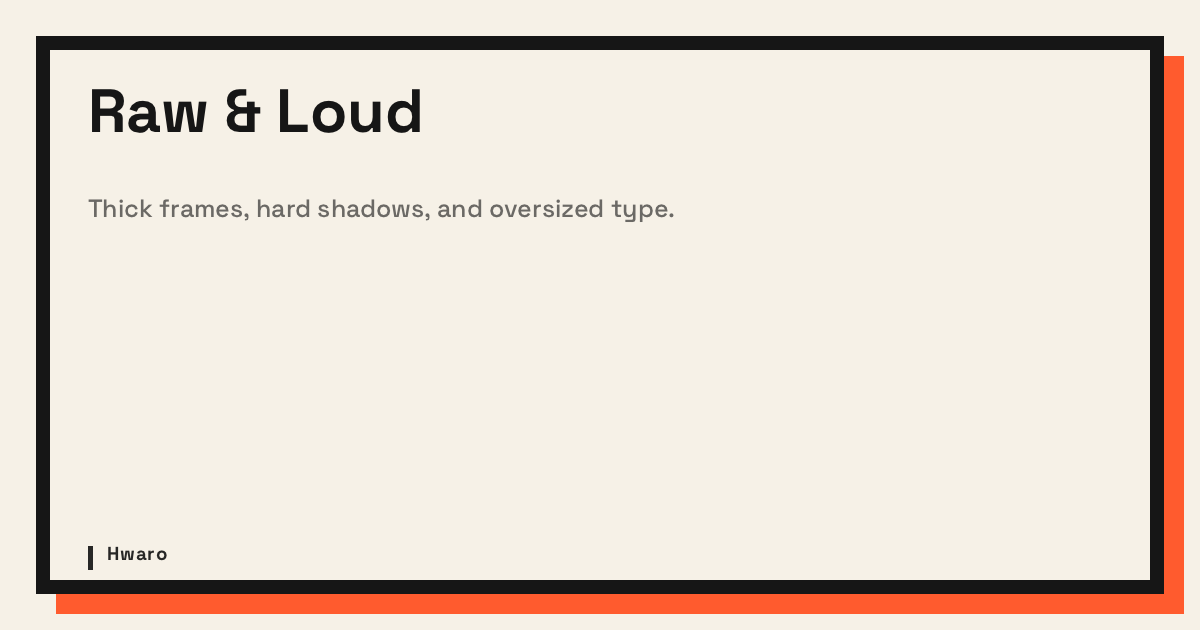
brutalist
default
minimal
dots
grid

diagonal
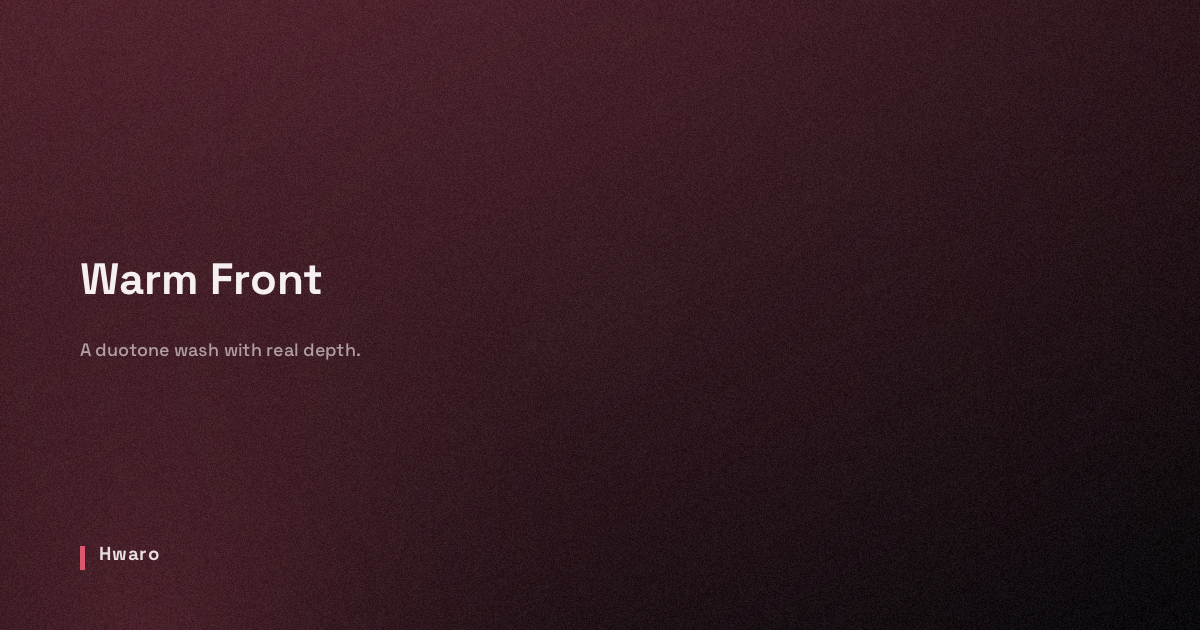
gradient
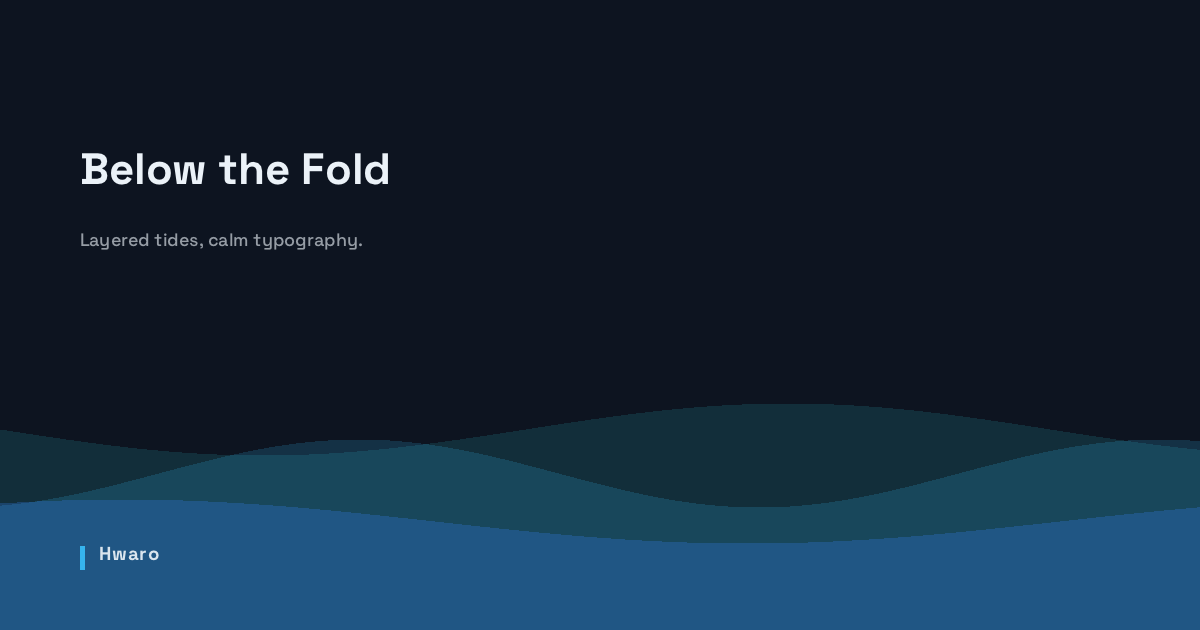
waves
Background Image
Composite a photo behind the text:
[og.auto_image]
enabled = true
style = "editorial"
background_image = "static/og-bg.jpg"
overlay_opacity = 0.55
Rendering order: background color → photo → color overlay → style composition → text/logo. overlay_opacity controls how much the background color dims the photo. Styles that generate their own backdrop (artistic, hero, surreal) skip it when a photo is set, so the photo shows through.
Preview
The examples below differ only in overlay_opacity (same photo, style = "editorial", near-black background). Click to zoom.
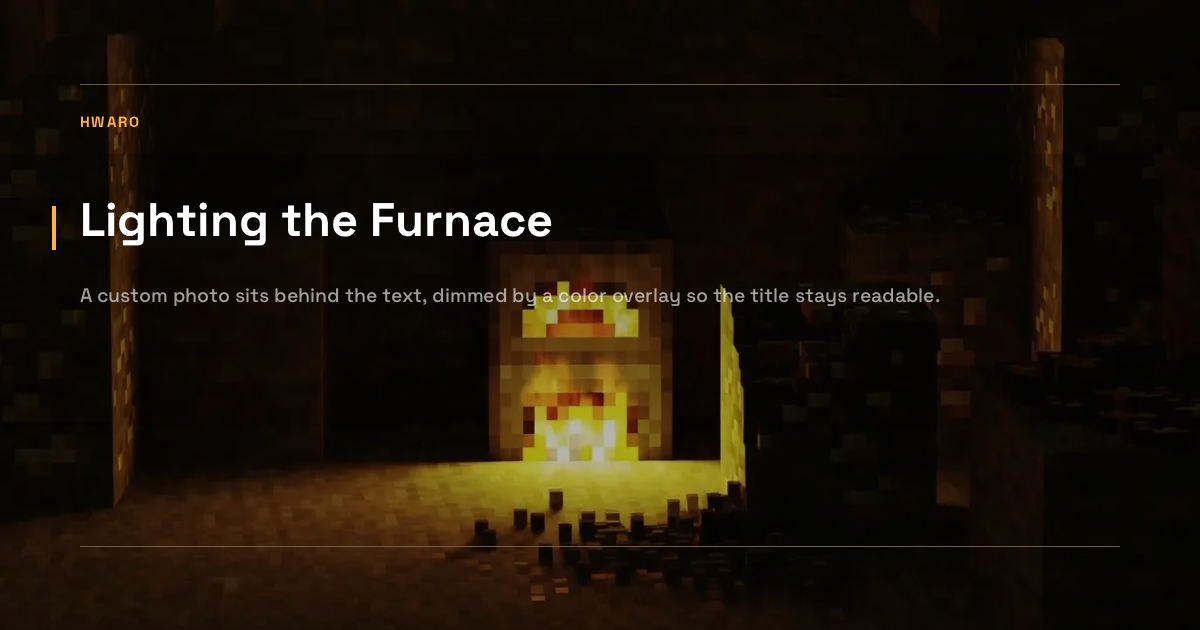
overlay_opacity = 0.3
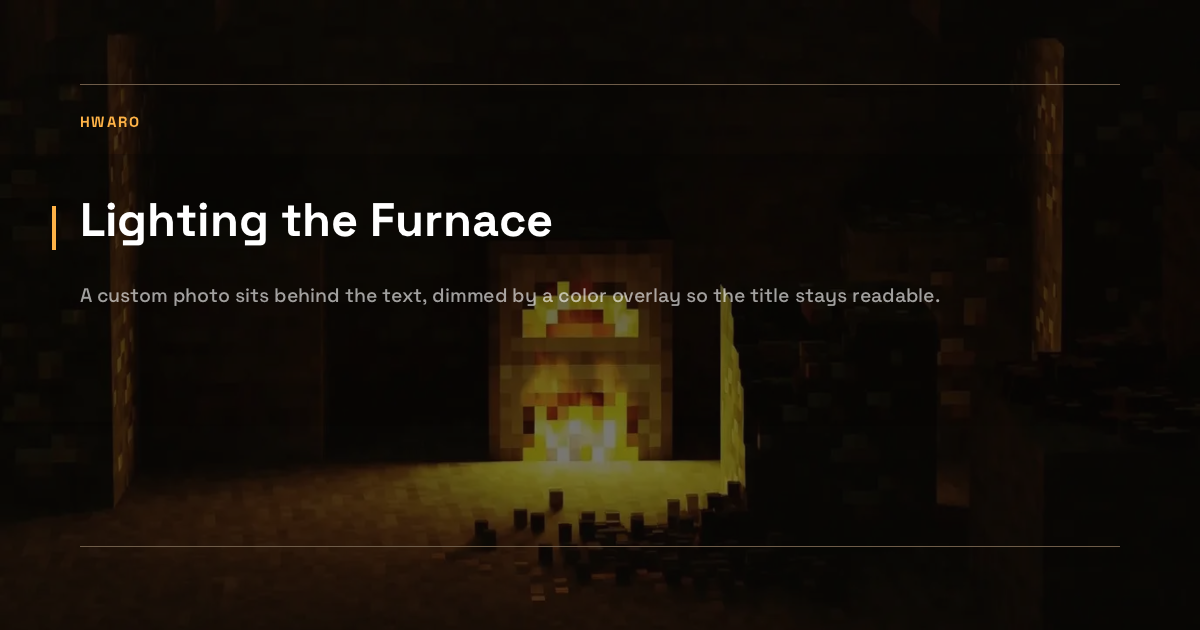
overlay_opacity = 0.55
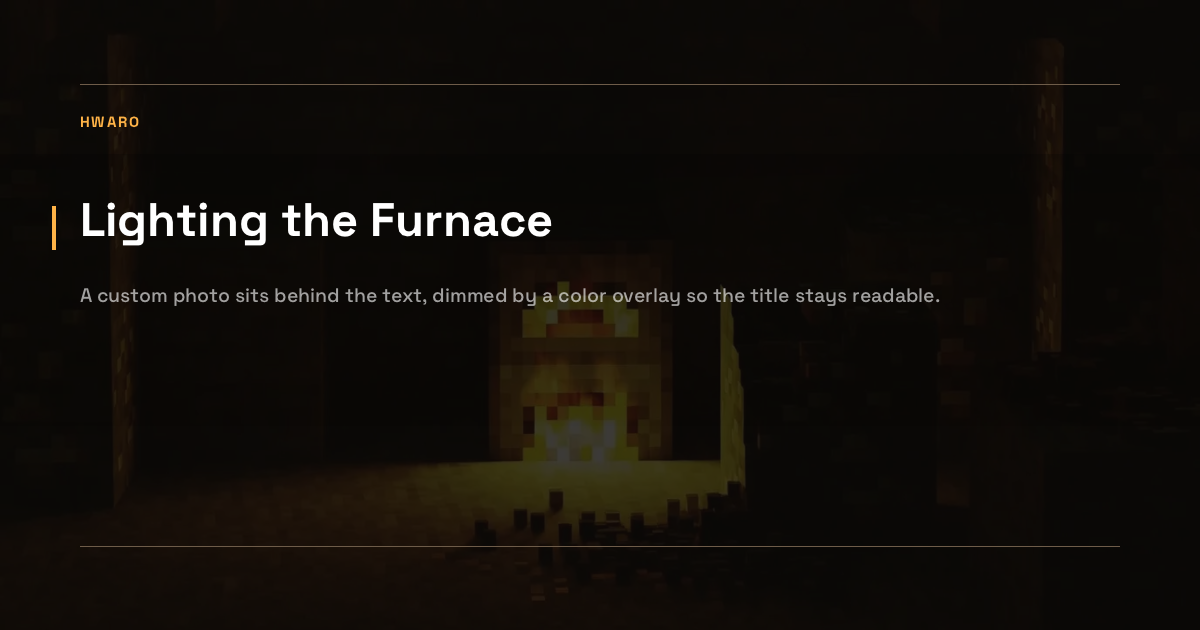
overlay_opacity = 0.8
Output Format
PNG is the default. Rendering is built in via stb_truetype and stb_image_write, so no external tools are required. The fonts are bundled into the binary (Space Grotesk, JetBrains Mono, and DejaVu Sans Bold as the wide-coverage fallback); system fonts are only read for CJK text.
CJK titles and descriptions need no configuration when the system has a CJK font: Hwaro appends the first one it finds (Arial Unicode, Apple SD Gothic Neo, PingFang or Hiragino Sans GB on macOS; Noto Sans CJK on Linux) to the font chain. Where none is installed, such as minimal Linux containers and CI runners, CJK characters are left out of the image, so install Noto Sans CJK or set font_path to a CJK-capable font. A font_path replaces that system lookup, so it must cover CJK itself.
Set format = "svg" for dependency-free SVG output instead. Note that social platforms generally don't render SVG og:image.
Incremental Generation
Hwaro stores a .og_manifest.json next to the generated images and skips pages whose inputs haven't changed. Keep the output directory between builds (e.g. --cache mode) and incremental generation works automatically. The hahwul/hwaro GitHub Action handles this for you.
| Change | Regenerates |
|---|---|
| Page title, description, or URL | That page only |
| OG config, or the logo / background image file contents | All pages |
| Image file missing on disk | That page only |
Faster Dev Server
OG generation is one of the most expensive build steps on large sites. Two options:
lazy_generate = true—hwaro serveskips bulk generation; each image renders on the first request for its page and is cached after that.hwaro buildis unaffected. Pairs well withhwaro serve --fast-start.hwaro build --skip-og-image— skips OG images entirely.
Behavior
- Pages with a custom
imagein front matter keep it; drafts are skipped - Long titles word-wrap automatically (CJK-aware)
- Logo and background images are loaded once and reused across all pages
Output
A page at /posts/hello-world/ produces public/og-images/posts-hello-world.png and:
<meta property="og:image" content="https://example.com/og-images/posts-hello-world.png">
To use a custom image for a specific page, set image in front matter:
+++
title = "My Post"
image = "/images/custom-og.png"
+++
See Also
- SEO — OpenGraph, Twitter Cards, and meta tags
- Image Processing — Responsive image resizing
- Configuration — Full config reference