
Auto OG Images
Hwaro can automatically generate Open Graph (OG) preview images for pages that don't have a custom image set. These images are used by social media platforms when your content is shared.
 Example: This is the og image of this page.
How It Works
- During build, Hwaro checks each page for a custom
imagein front matter - Pages without an image get an auto-generated image (1200x630)
- The generated image path is set as
page.image, soog:imagemeta tags pick it up automatically - SVG output requires no external dependencies; PNG output uses built-in rendering via system fonts
Configuration
[og.auto_image]
enabled = true
background = "#1a1a2e"
text_color = "#ffffff"
accent_color = "#e94560"
font_size = 48
logo = "static/logo.png"
logo_position = "bottom-left"
output_dir = "og-images"
show_title = true
style = "default"
pattern_opacity = 0.15
pattern_scale = 1.0
background_image = "static/og-bg.jpg"
overlay_opacity = 0.5
format = "svg"
| Key | Type | Default | Description |
|---|---|---|---|
| enabled | bool | false |
Enable auto OG image generation |
| background | string | "#1a1a2e" |
Background color (hex) |
| text_color | string | "#ffffff" |
Title and description text color |
| accent_color | string | "#e94560" |
Accent color for bars and site name |
| font_size | int | 48 |
Title font size in pixels |
| logo | string | — | Logo file path (e.g., static/logo.png). Embedded as base64 data URI |
| logo_position | string | "bottom-left" |
Logo placement: bottom-left, bottom-right, top-left, top-right |
| output_dir | string | "og-images" |
Directory for generated images |
| show_title | bool | true |
Show site name at the bottom of the image |
| style | string | "default" |
Style preset for background pattern |
| pattern_opacity | float | 0.15 |
Opacity of the style pattern (0.0–1.0) |
| pattern_scale | float | 1.0 |
Scale multiplier for the pattern (min 0.1) |
| background_image | string | — | Background image file path. Embedded as base64 data URI |
| overlay_opacity | float | 0.5 |
Opacity of the color overlay on background images (0.0–1.0) |
| format | string | "svg" |
Output format: "svg" or "png" |
Style Presets
The style option controls the background pattern rendered on the image:
| Style | Description |
|---|---|
default |
No pattern (solid background) |
dots |
Repeating dot grid |
grid |
Repeating line grid |
diagonal |
Diagonal stripe pattern |
gradient |
Diagonal gradient using the accent color |
waves |
Horizontal wave curves |
minimal |
Clean layout without accent bars |
Preview
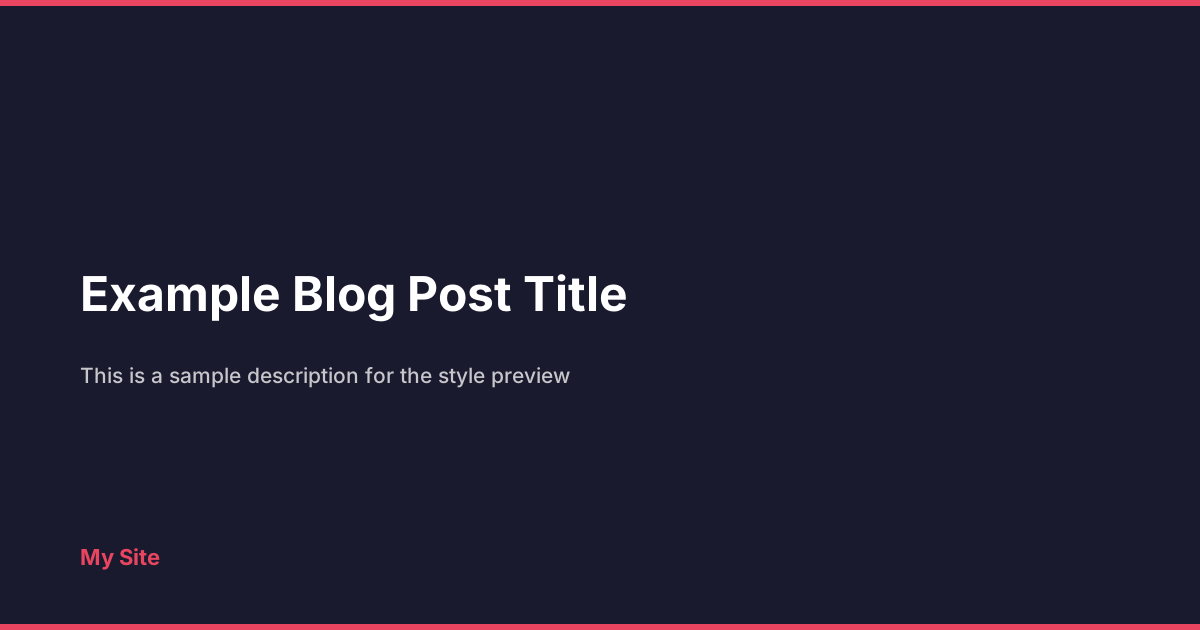
default

dots
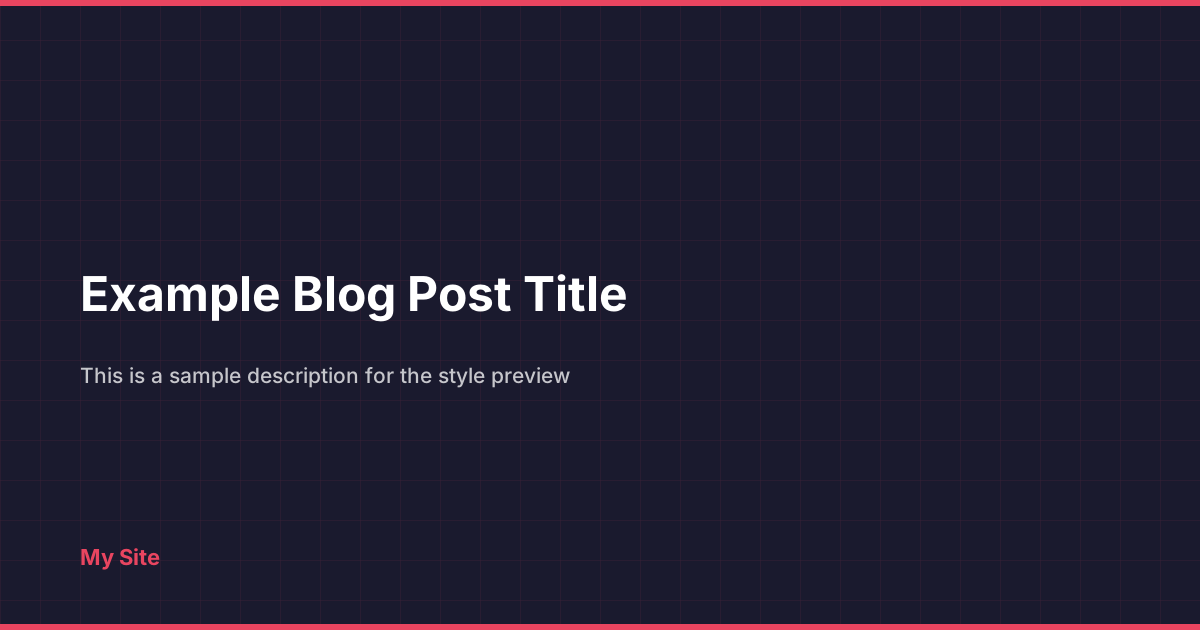
grid
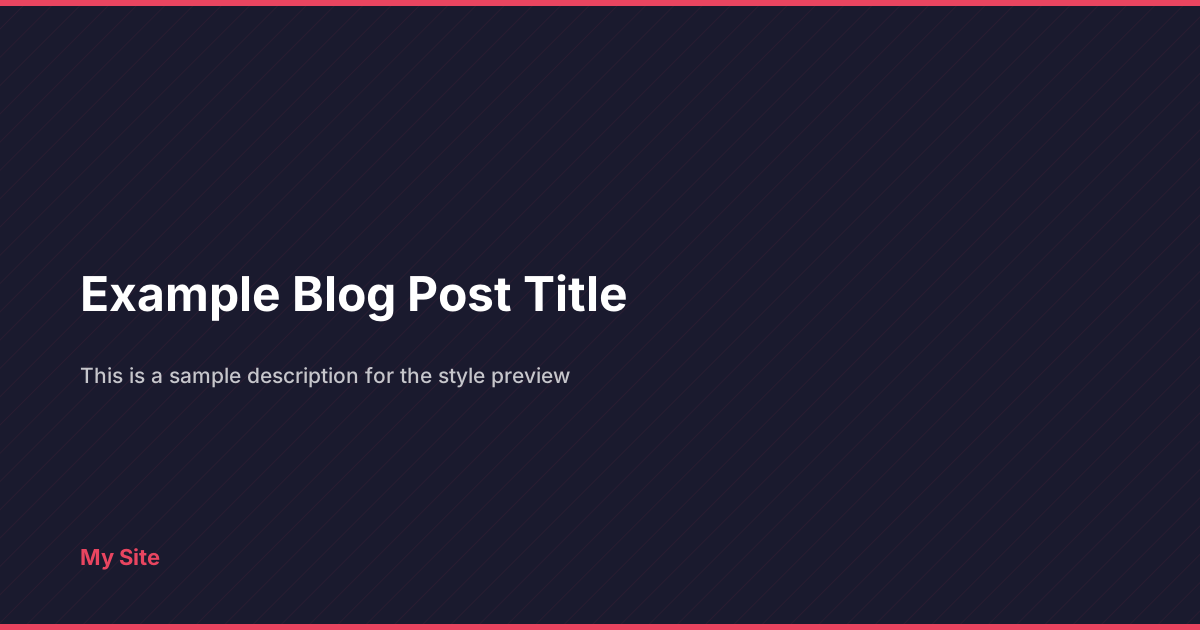
diagonal
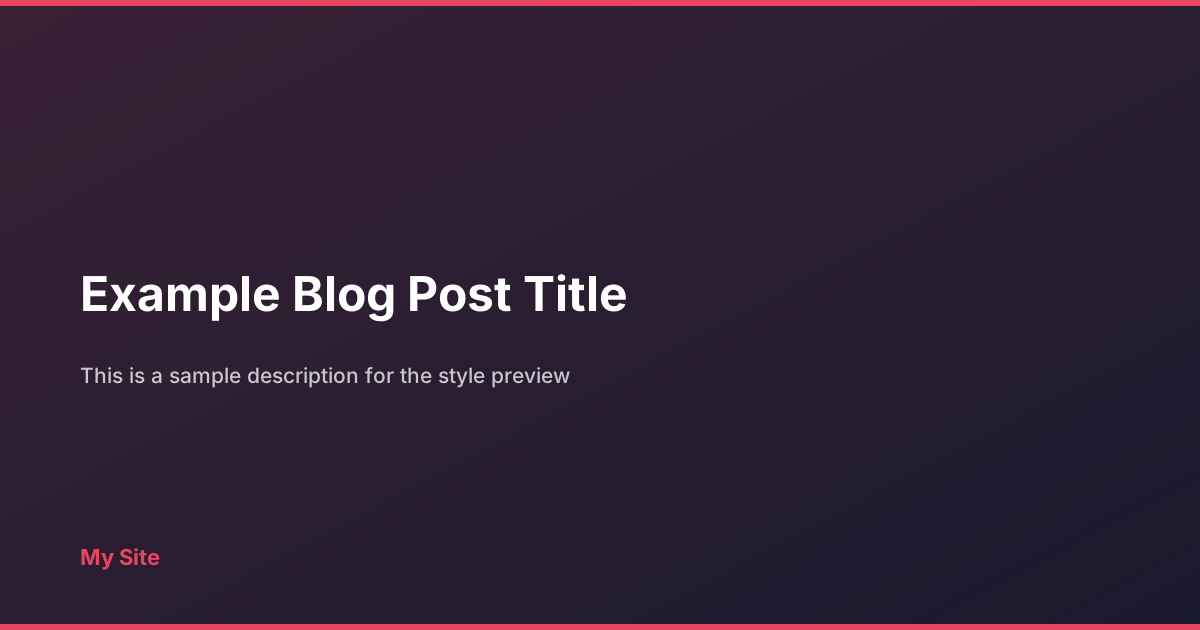
gradient
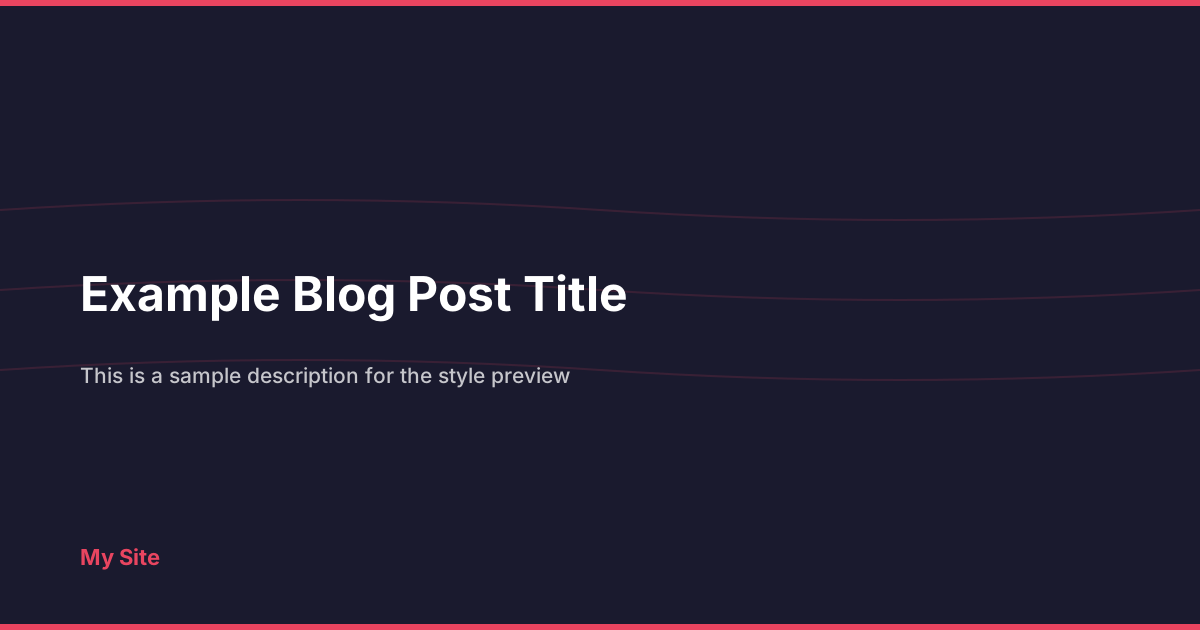
waves

minimal
Example Configuration
[og.auto_image]
enabled = true
style = "dots"
pattern_opacity = 0.2
pattern_scale = 1.5
Background Image
You can set a custom background image that gets composited behind the text:
[og.auto_image]
enabled = true
background_image = "static/og-bg.jpg"
overlay_opacity = 0.6
The rendering order is: background color → background image → color overlay → style pattern → accent bars → text/logo.
The overlay_opacity controls how much the background color covers the image (0.0 = fully visible image, 1.0 = image completely hidden behind background color).
PNG Output
By default, images are generated as SVG. Set format = "png" to produce PNG files instead:
[og.auto_image]
enabled = true
format = "png"
PNG rendering is built-in using stb_truetype and stb_image_write — no external tools required. System fonts are auto-detected:
- macOS: Helvetica, Arial, Geneva
- Linux: DejaVu Sans, Liberation Sans, Noto Sans
If no system font is found, Hwaro falls back to SVG output with a warning.
Generated Image Layout
Each image is 1200x630 with the following structure:
┌─────────────────────────────────────┐
│ ████████████ accent bar ████████████│
│                                     │
│   Page Title (auto-wrapped,         │
│   bold, large font)                 │
│                                     │
│   Description text (smaller,        │
│   semi-transparent)                 │
│                                     │
│   [logo] Site Name                  │
│ ████████████ accent bar ████████████│
└─────────────────────────────────────┘
When style = "minimal", the top and bottom accent bars are removed. When show_title = false, the site name at the bottom is hidden.
Logo Embedding
When a logo file path is configured and the file exists, the logo is read and embedded as a base64 data URI directly in the image. This ensures the logo displays correctly everywhere without external file references.
If the file is not found at build time, the logo falls back to a URL reference (SVG only).
Behavior
- Pages with a custom
imagein front matter are skipped (the custom image takes priority) - Draft pages are skipped
- Long titles are automatically word-wrapped across multiple lines
- Logo and background images are loaded once and reused across all pages
- SVG output uses
system-uifont family; PNG output uses detected system fonts
Output
Given a page at /posts/hello-world/, the generated image will be:
public/og-images/posts-hello-world.svg # or .png if format = "png"
And the OG meta tag will automatically include:
<meta property="og:image" content="https://example.com/og-images/posts-hello-world.svg">
Overriding Per Page
To use a custom image for a specific page, set image in front matter:
+++
title = "My Post"
image = "/images/custom-og.png"
+++
This page will use the custom image instead of auto-generating one.
See Also
- SEO — OpenGraph, Twitter Cards, and meta tags
- Image Processing — Responsive image resizing
- Configuration — Full config reference